Monitor
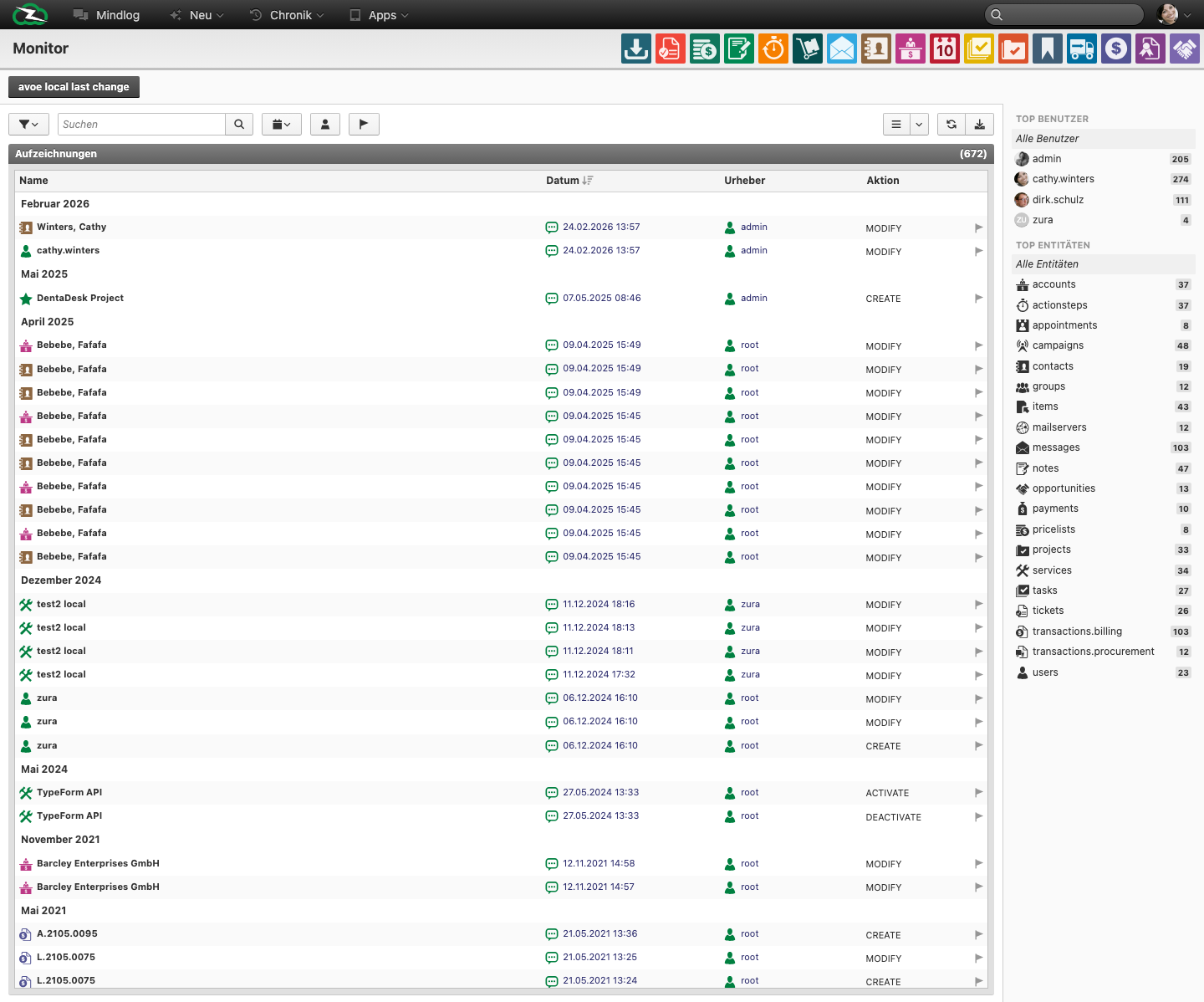
The Monitor page is a cross-module activity view that shows recent record changes across the system. It is useful when you want to understand what changed, who changed it, and which records were affected.
What This Page Is For
Use the Monitor when you need a broad operational view of recent create and modify activity without opening each module separately.
Who Should Use It
The Monitor is useful for administrators, team leads, support coordinators, and power users who need quick visibility into recent changes.
What You See on the Page
The live page includes:
- a date filter with relative periods such as today, this week, and this month
- a list of activity records
- columns for Name, Date, Author, and Action
The action column in the live system includes values such as CREATE and MODIFY.
Typical Use Cases
- Review whether an important record was recently changed.
- Find the author of a recent modification.
- Get context before opening a support or data-quality issue.
- Trace which records changed during a rollout, import, or cleanup.
Monitor vs Logs vs Audit
- Monitor shows record-level activity across business objects.
- Logs in the Control Center focus on technical and operational system events.
- Audit is the more formal traceability feature when it is enabled.
Best Practices
- Use date filters first to reduce noise.
- Treat Monitor as a fast operational overview, not as a compliance-grade audit trail.
- Open the affected record after identifying the relevant change so you can review the full context.
Related Topics
- Mindlog - Mindlog shows collaborative activity, while Monitor focuses on record changes.
- Logs, Audit, and Demo Data - Technical and formal traceability tools.