System Settings, Number Ranges, and Units
These pages affect the whole ZeyOS instance rather than a single user. Changes here should be planned, documented, and performed by trusted administrators only.
What This Area Is For
Use this area to define organization-wide defaults, security rules, numbering logic, and measurement standards.
Who Should Use It
This area is intended for system owners and administrators with authority over company identity, financial defaults, security policy, and operational standards.
Included Pages and Settings
| Page or section | What it controls |
|---|---|
| System Account | Your organization record, including company identity and main contact data |
| Configuration File | Low-level JSON configuration for shared technical defaults |
| Admin Settings | System-wide locale, security, customization, and numbering settings |
| Units | Configured units plus the broader standardized UN/CEFACT catalog |
What You Configure Here
System account
Use the System Account to maintain the central organizational identity of the instance, for example company name, address, and core contact data.
Configuration file
The Configuration File exposes technical configuration in JSON form. It may include shared defaults for country, currency, login restrictions, numbering behavior, and module-specific options.
Admin settings
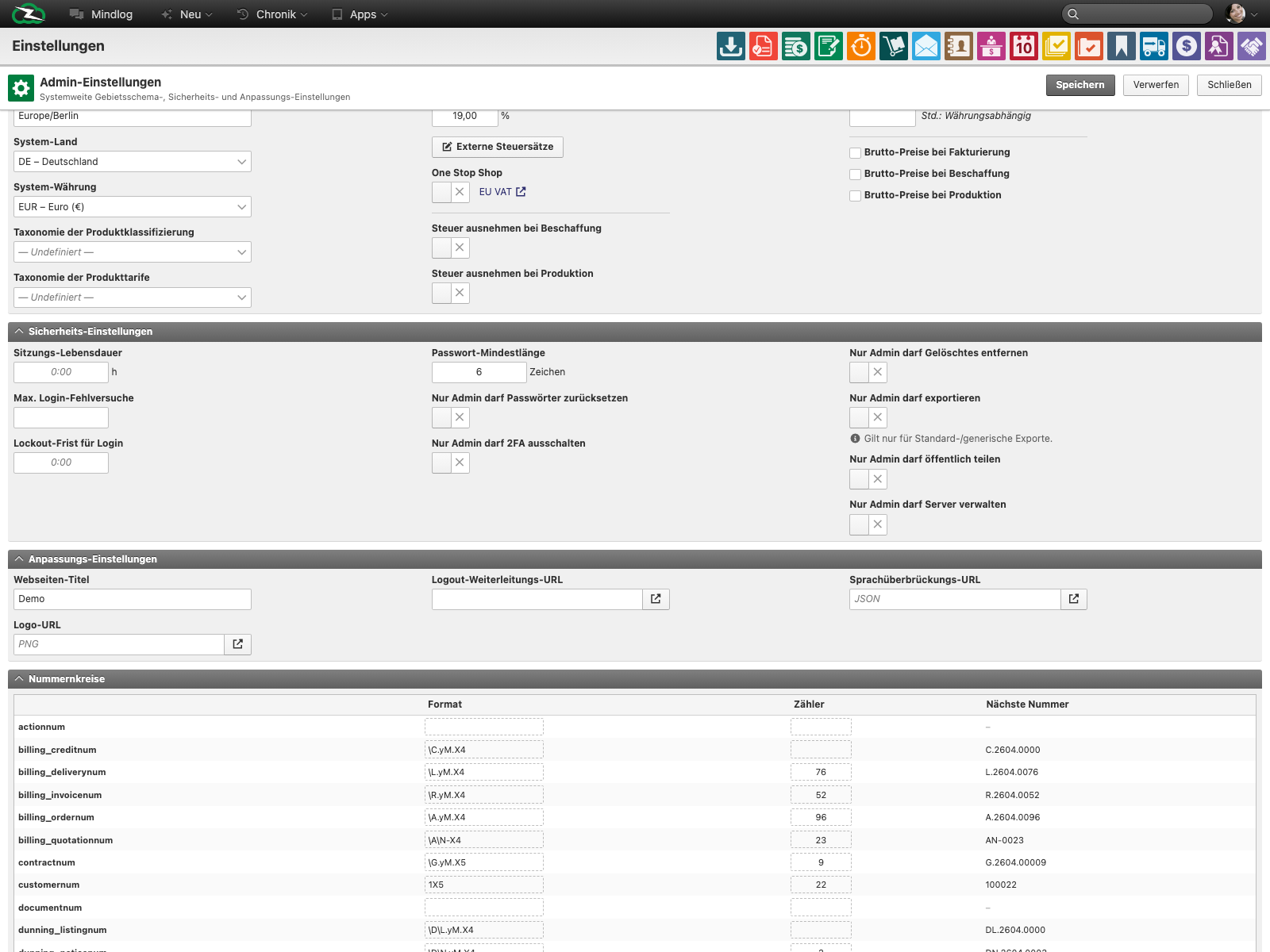
The live admin settings page combines several groups of settings:
- System locale such as time zone, country, currency, tax rate, and gross or net price behavior
- Security settings such as session lifetime, failed-login limits, lockout rules, minimum password length, and admin-only restrictions
- Customization settings such as website title, logo URL, logout redirect URL, and language override URL
- Number ranges for invoices, orders, quotations, tickets, opportunities, contracts, projects, items, and similar records
Units
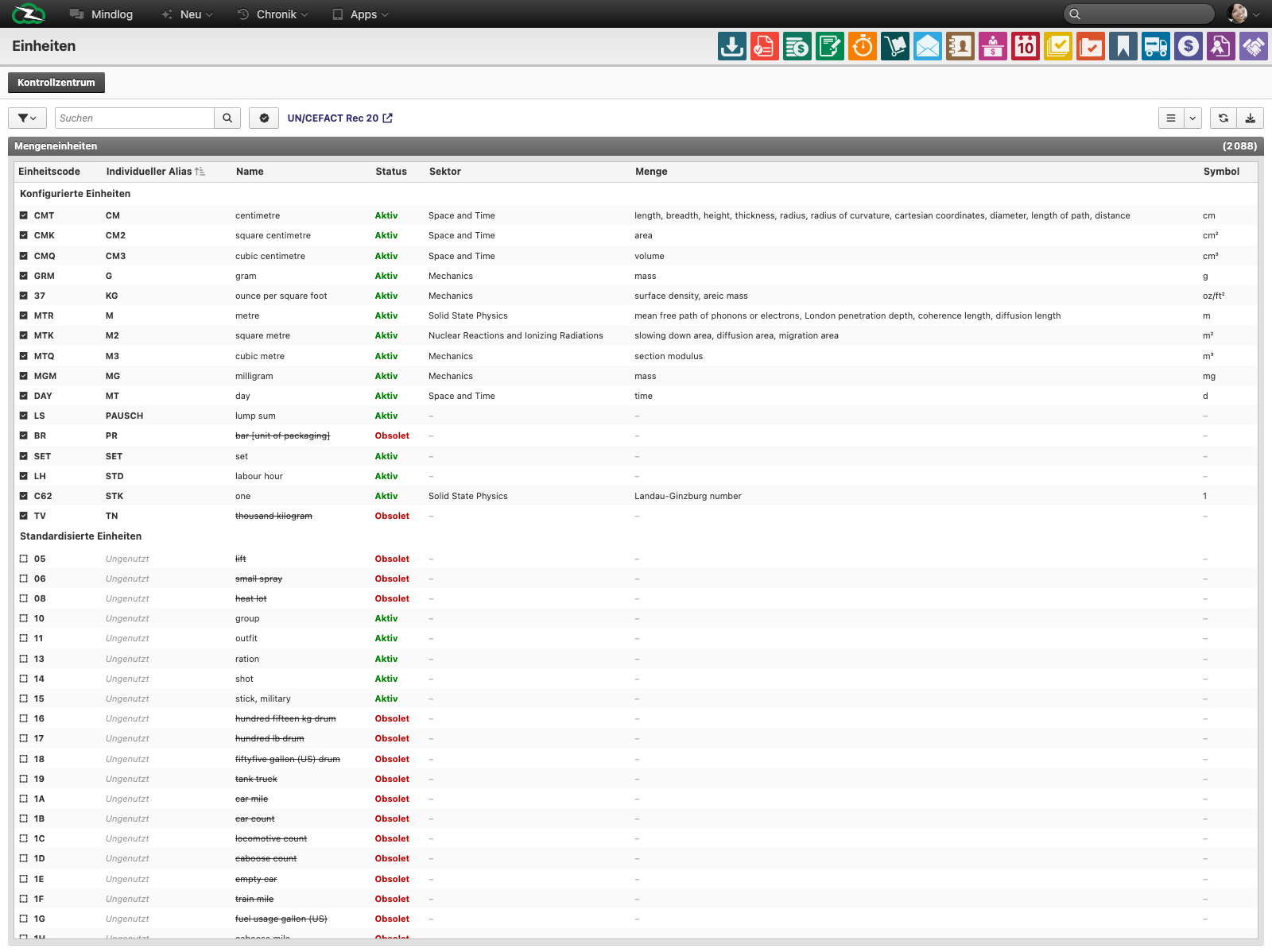
The live Units page shows both configured units and standardized units. The list includes fields such as:
- Unit code
- Custom alias
- Name
- Status
- Sector
- Quantity type
- Symbol
Typical Tasks
- Update the legal or commercial identity of the company record.
- Review or harden shared security settings.
- Align number ranges before go-live or after policy changes.
- Make sure the units needed for inventory, pricing, production, or imports are available and correctly named.
Change-Control Guidelines
- Make changes outside peak usage times whenever possible.
- Record why the change was made and who approved it.
- Test numbering and unit changes in a sandbox first when available.
- Do not edit low-level configuration without understanding the operational impact.
Related Topics
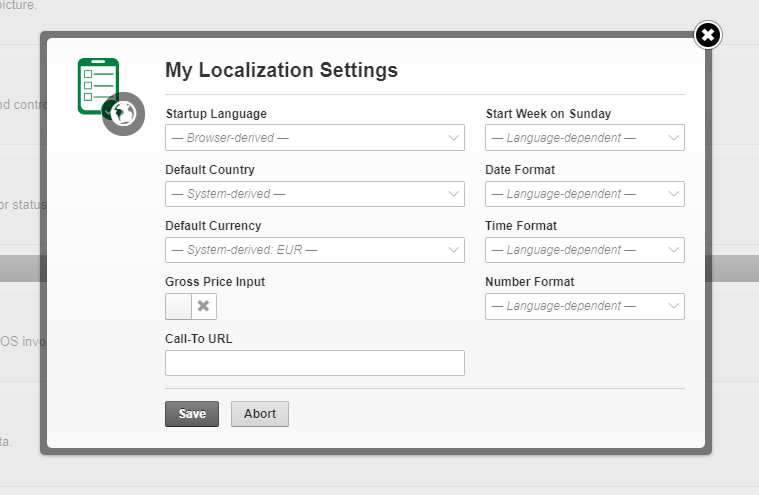
- Personal Settings - User-specific defaults belong there.
- Inventory Management - Units directly affect items, storages, and stock workflows.
- Billing & Finance - Number ranges and pricing behavior affect transactional modules.