Personal Settings
Personal settings control how ZeyOS behaves for your own user account. They combine your profile information, locale and formatting preferences, and personal default values for new records.
What This Area Is For
Use this area to keep your own working environment correct and efficient. Unlike system settings, the values here usually affect only your own session and newly created records.
Who Should Use It
Every user should review these settings after onboarding and whenever their role, team, or standard workflows change.
Included Pages and Tiles
| Tile or area | Purpose |
|---|---|
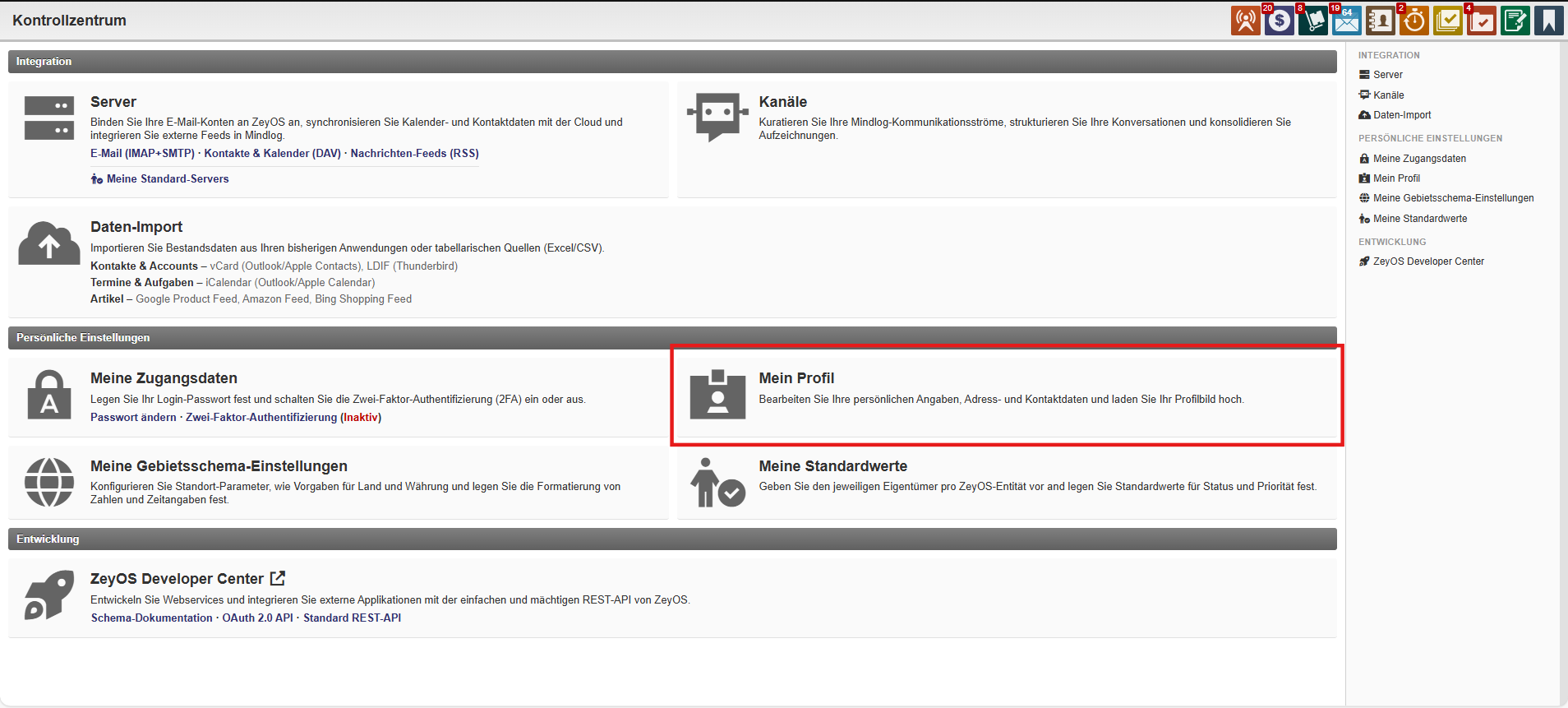
| My Contact Profile | Opens your own contact record for name, department, communication data, and profile image |
| My Locale Settings | Controls language, country, currency, week start, and formatting preferences |
| My Defaults | Stores default owners, statuses, priorities, servers, registers, and storages for new records |
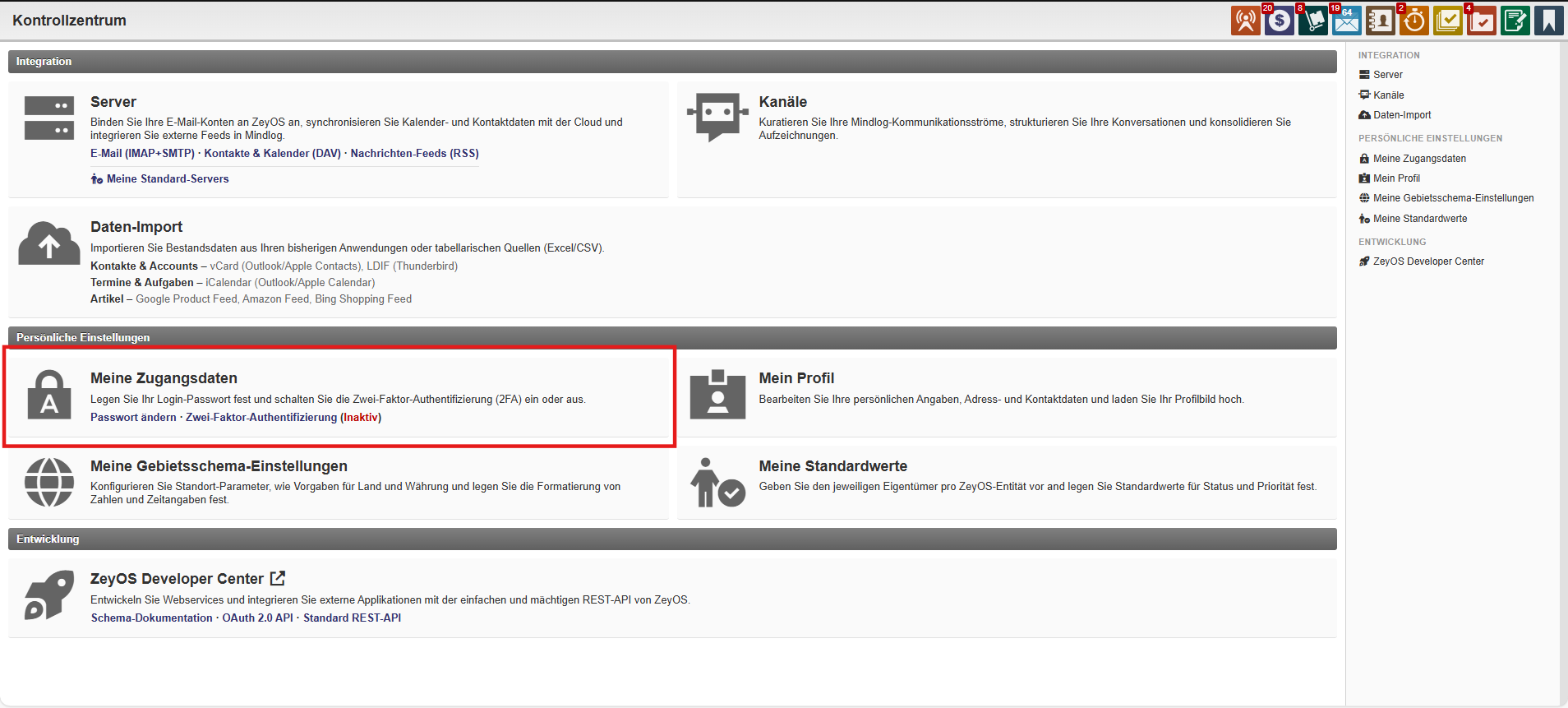
| My Credentials | Covered separately in Credentials and Security |
What You Configure Here
Contact profile
Use your contact profile to maintain:
- Name and title
- Company, department, and position
- Address and communication details
- Profile picture
- Related tags or linked data if your organization uses them
Locale settings
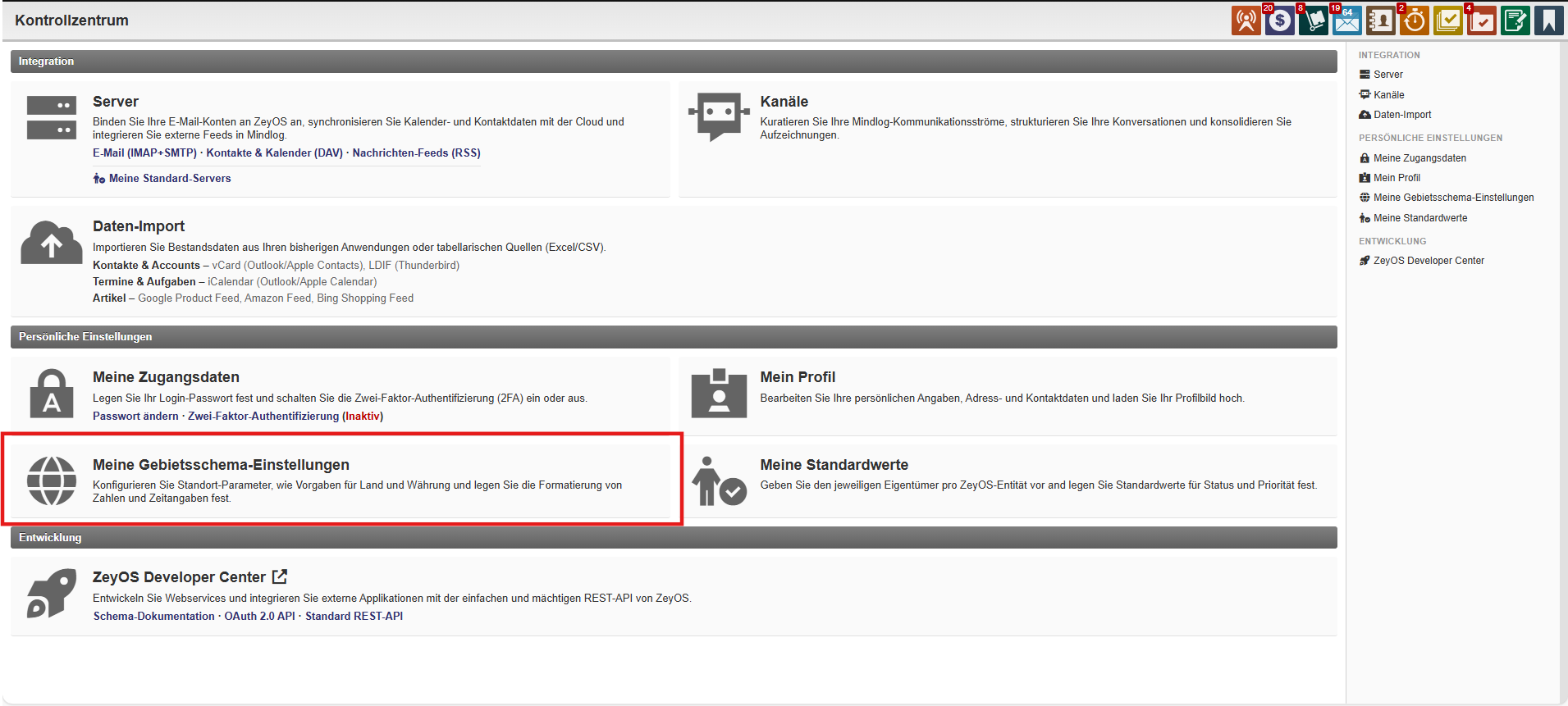
The live settings page includes values such as:
- Start language
- Default country
- Default currency
- Week start
- Date, time, and number formats
- Call URL for click-to-call integrations
Personal defaults
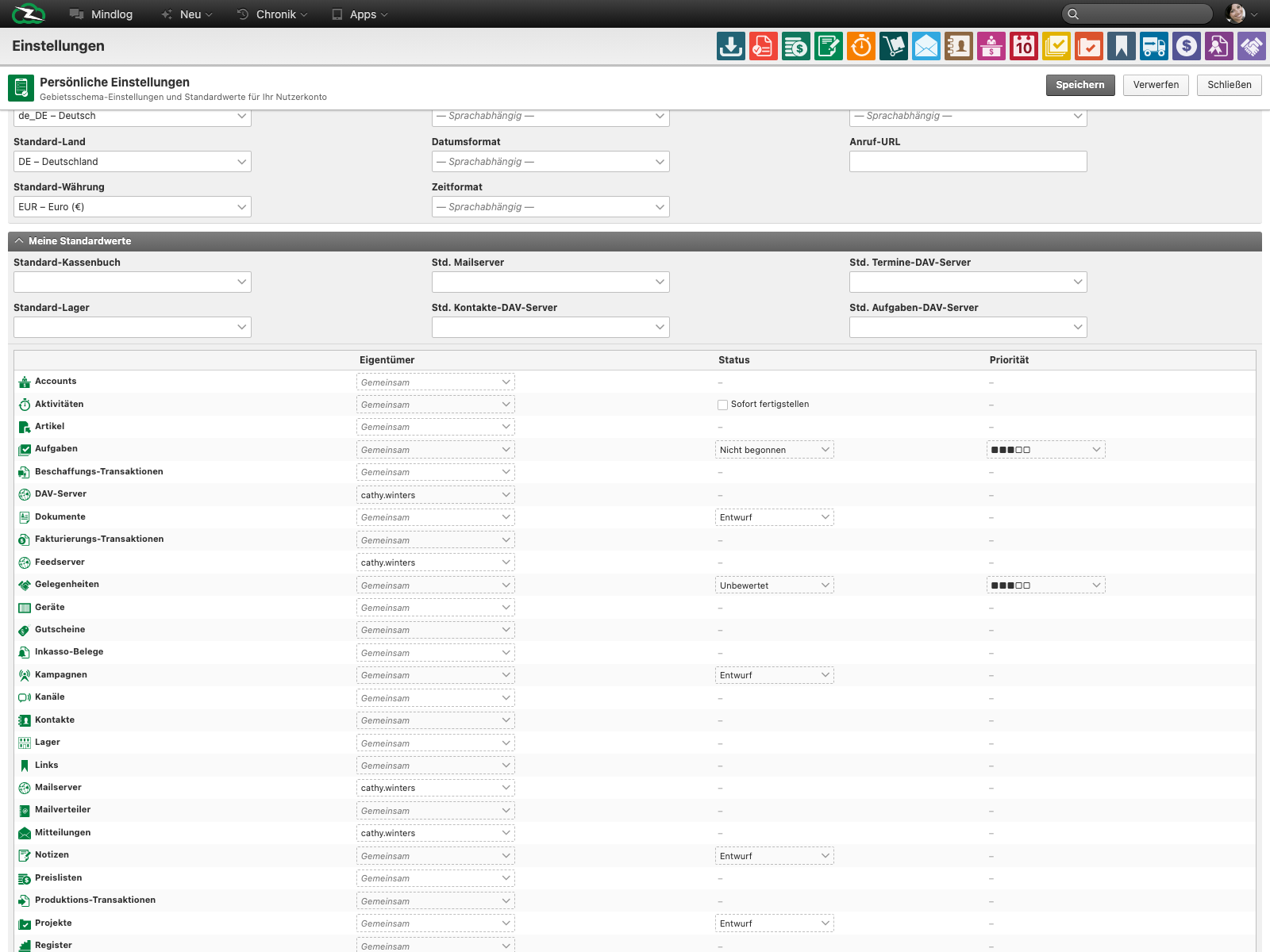
The defaults section stores values that ZeyOS should prefill when you create records. In the live system this includes, among other things:
- Default register and storage
- Default mail server
- Default DAV server for contacts, appointments, and tasks
- Default owner, status, and priority for many entity types
Typical Review Points
Update your settings when:
- you move to another team or department
- your standard sender address or calendar connection changes
- newly created records should always start with a specific owner, status, or priority
- your preferred language, formats, or country defaults change
Best Practices
- Review your defaults during onboarding, role changes, and process changes.
- Keep your contact profile current so colleagues can select the correct participant or owner.
- Use personal defaults only for your own work. If a setting should apply to all users, it usually belongs in System Settings, Number Ranges, and Units.
Related Topics
- Credentials and Security - Manage password, 2FA, and tokens.
- Servers - Create the server connections you later choose as personal defaults.
- Permissions - Ownership defaults affect visibility and access.