Channels
Channels structure communication inside Mindlog. They help teams separate discussions by topic, project, or functional area instead of posting everything into one shared stream.
What This Page Is For
Use channels to give internal communication a stable structure. Well-designed channels reduce noise, improve findability, and make it easier to follow the right activity stream.
Who Should Use It
Channels are usually maintained by team leads, communication owners, or administrators who define how Mindlog should be organized.
What You See on the Page
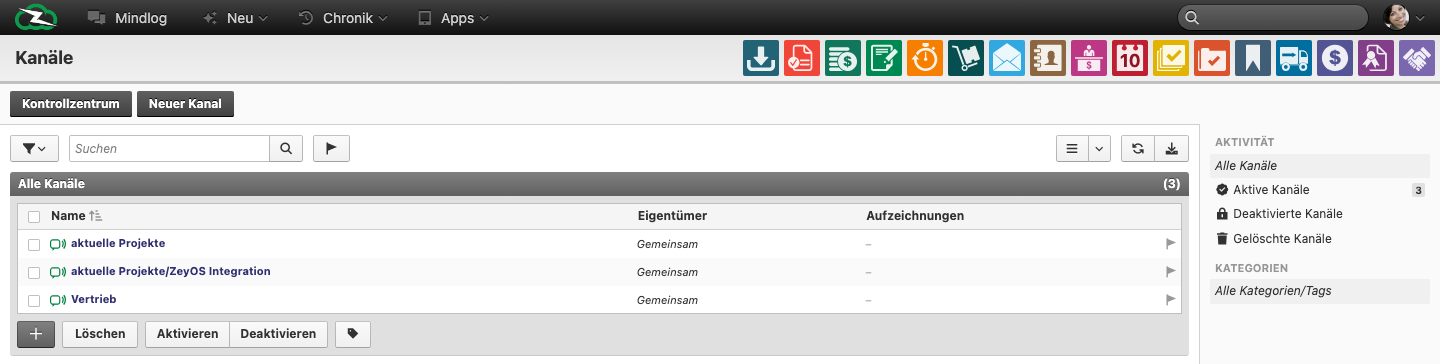
The live channel page includes:
- A New Channel action
- A searchable table of existing channels
- Columns for Name, Owner, and Records
- Activity filters for active, deactivated, and deleted channels
- Optional categorization through tags
- Bottom actions for Delete, Activate, and Deactivate
Typical Tasks
Create a new channel
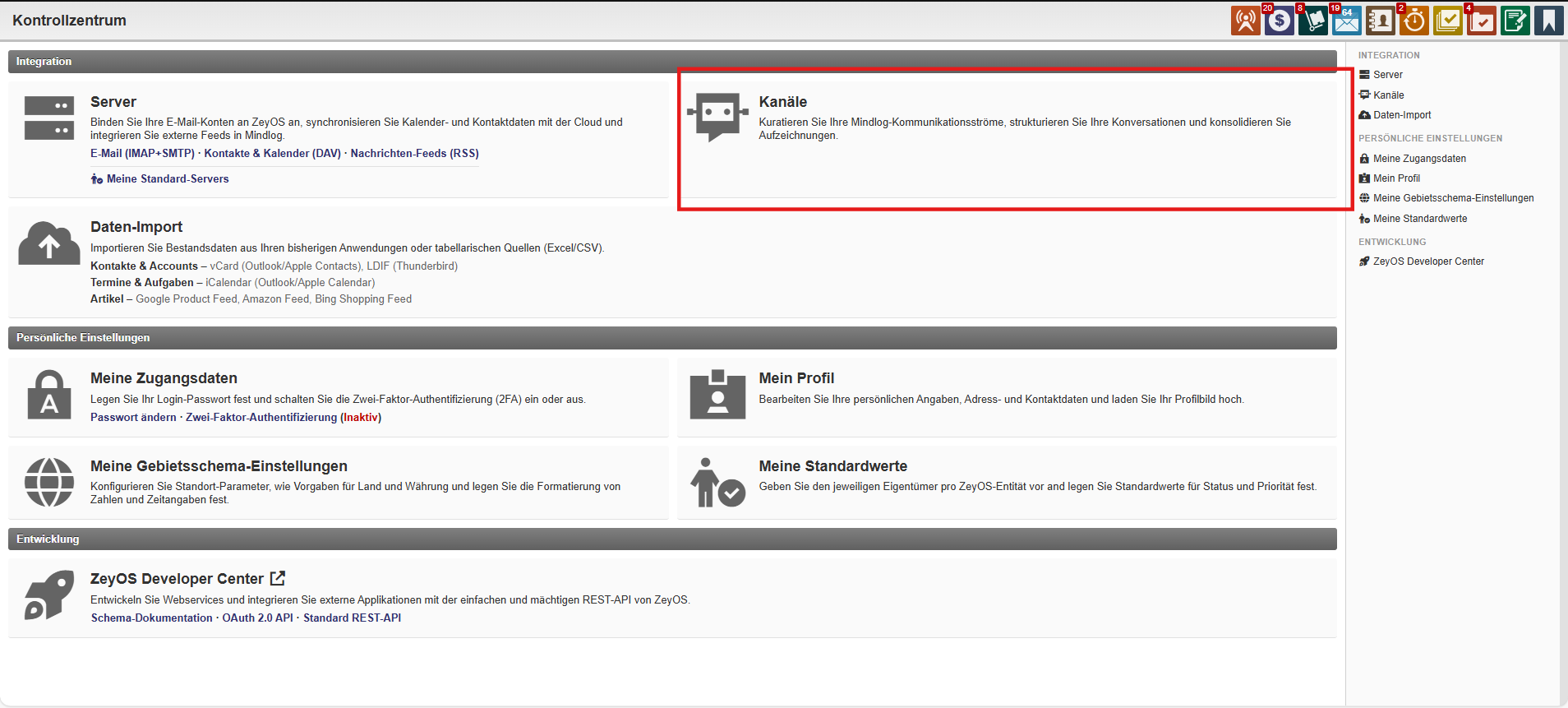
- Open Control Center > Channels.
- Click New Channel.
- Enter a clear channel name.
- Set the owner or responsible group.
- Save the channel and communicate when the team should use it.

Review the channel structure
Use the channel list to answer questions such as:
- Which channels are still active?
- Which channels belong to a shared owner?
- Which channels no longer receive records and can be retired?
Retire or clean up channels
- Rename channels if the underlying process has changed.
- Deactivate channels that are no longer in use.
- Keep naming conventions consistent so users can quickly understand where to post.
Naming and Governance Guidelines
- Prefer short, business-readable names.
- Create channels for durable communication structures, not for every short-lived topic.
- Assign shared ownership where a channel should remain available beyond one person.
- Review old channels periodically so Mindlog does not accumulate unused structures.
Related Topics
- Mindlog - Channels are used inside the activity stream.
- Tags & Categories - Tags can add another layer of structure.